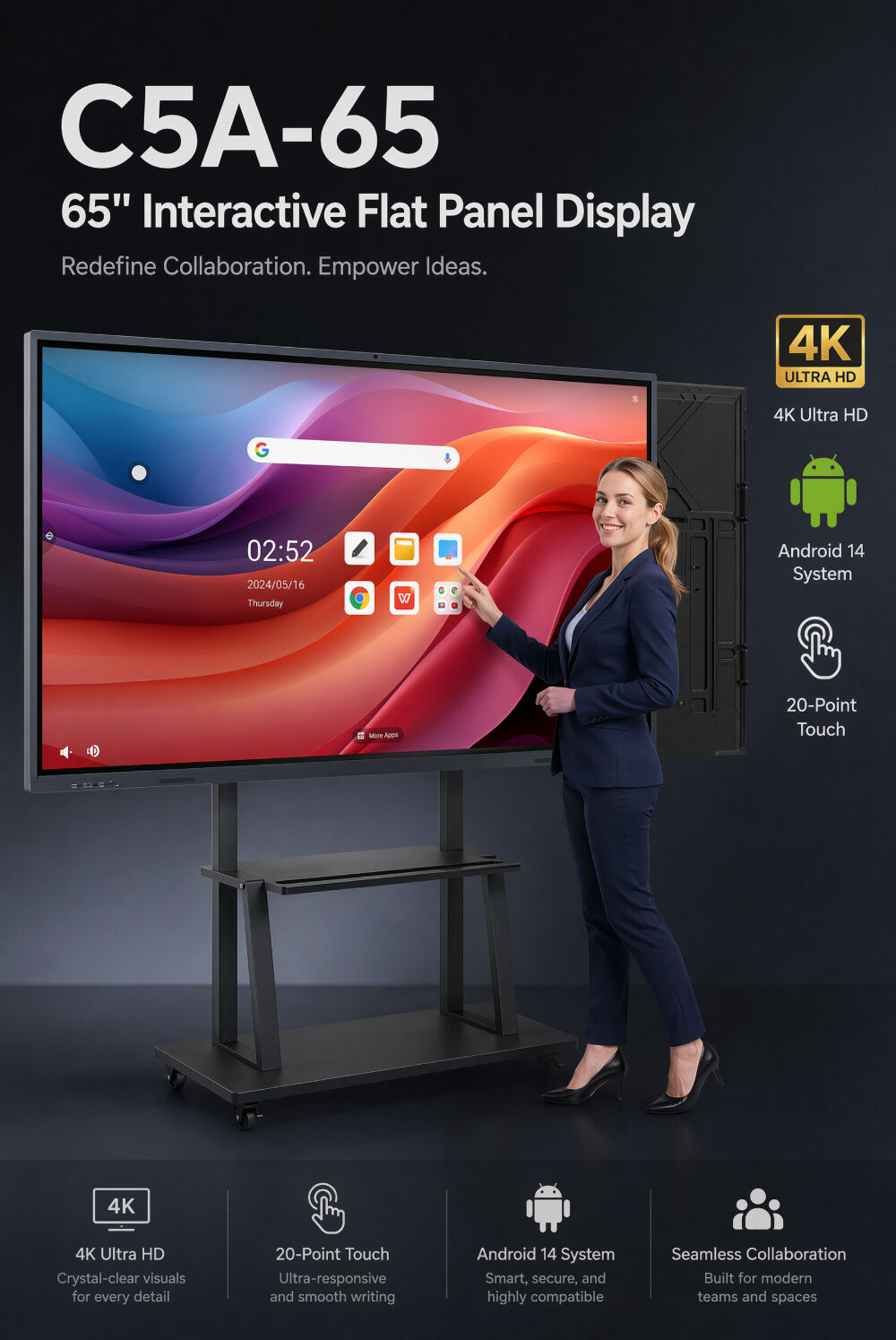
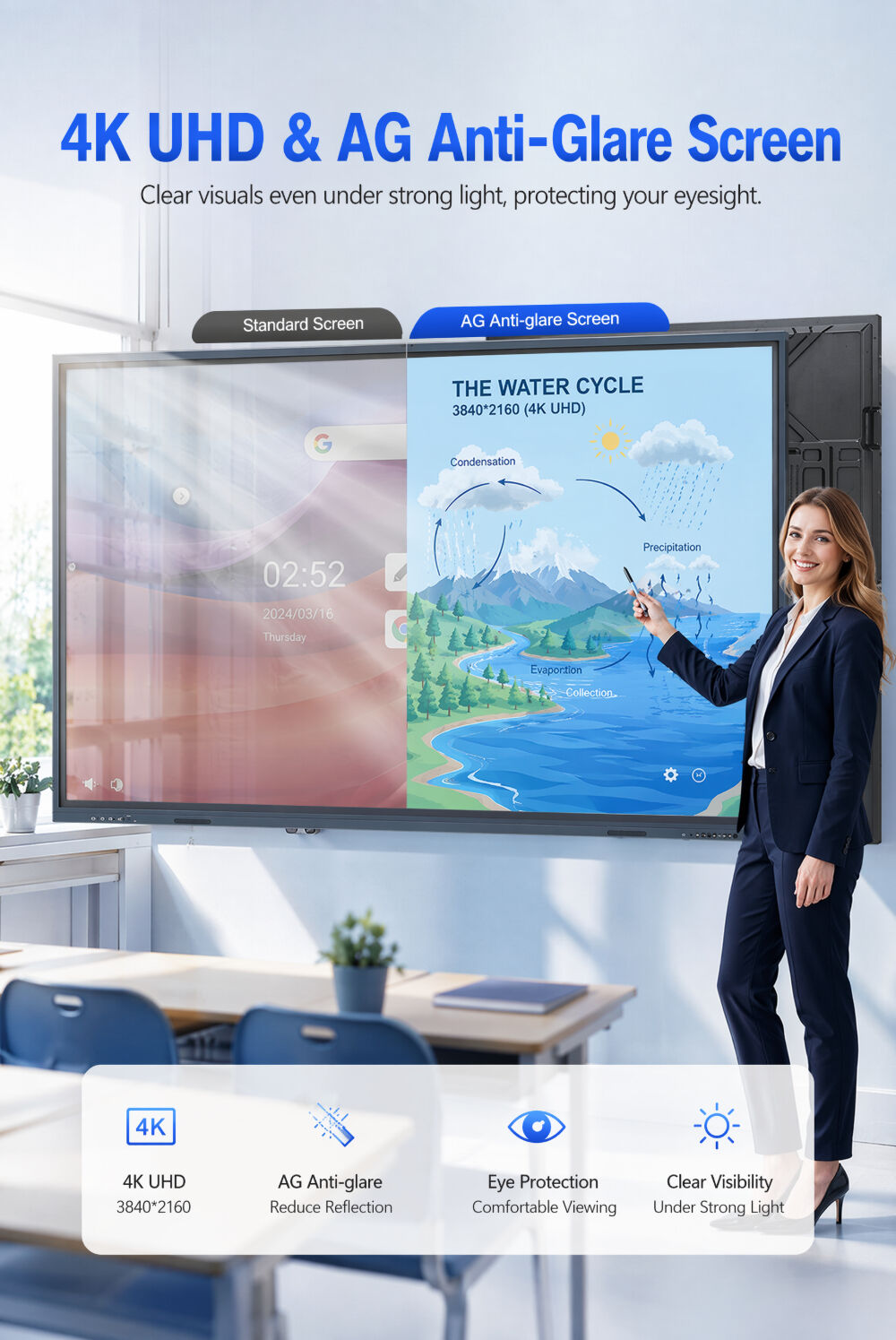
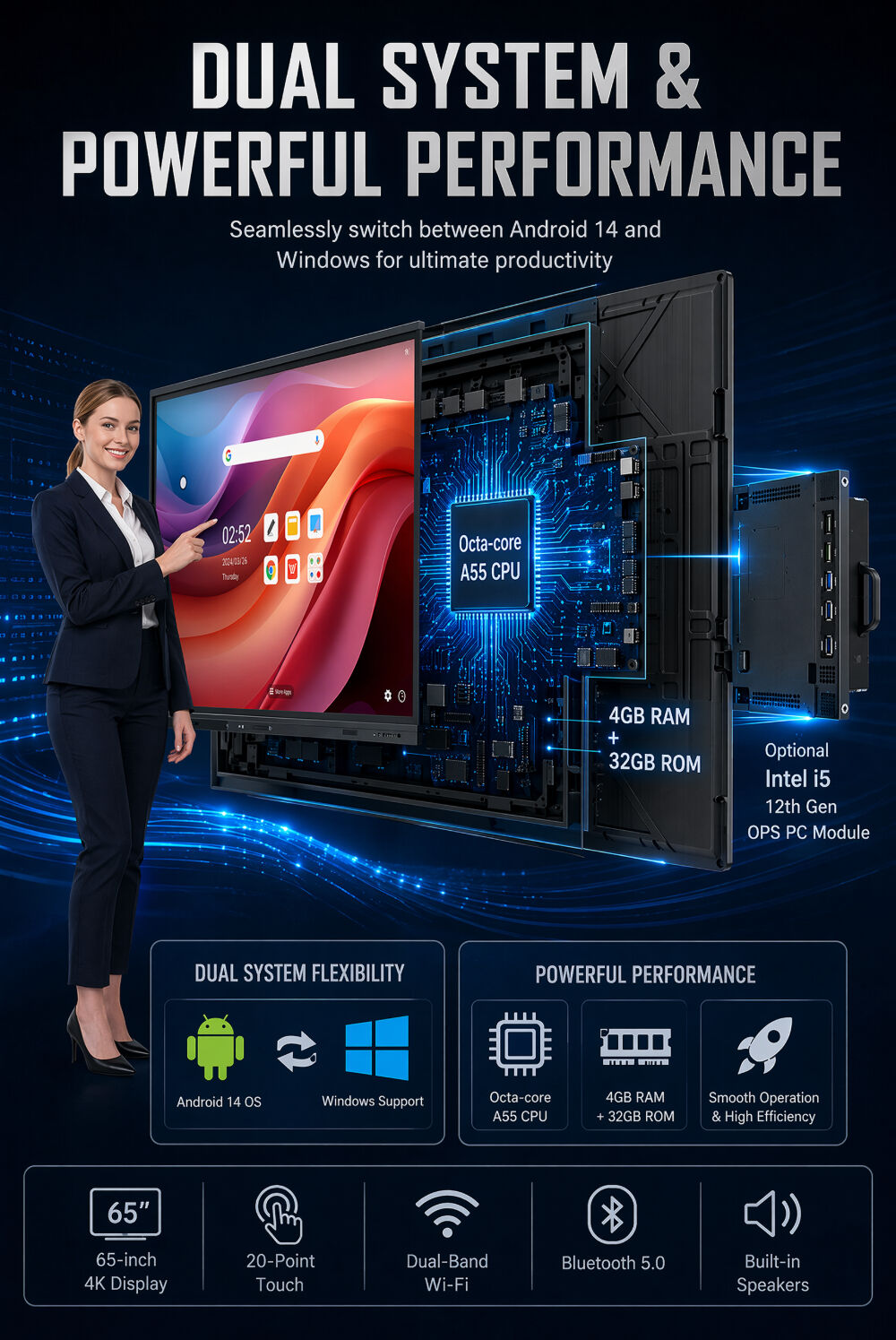
65/86 Inch Interactive Whiteboard Low Latency Touch Screen Training Education Smart Display
Product Information
Model Number
1223065-#1064
Brand Name
Clover/ OEM
Origin
China
Product Information
Model Number
1223065-#1064
Brand Name
Clover/ OEM
Origin
China
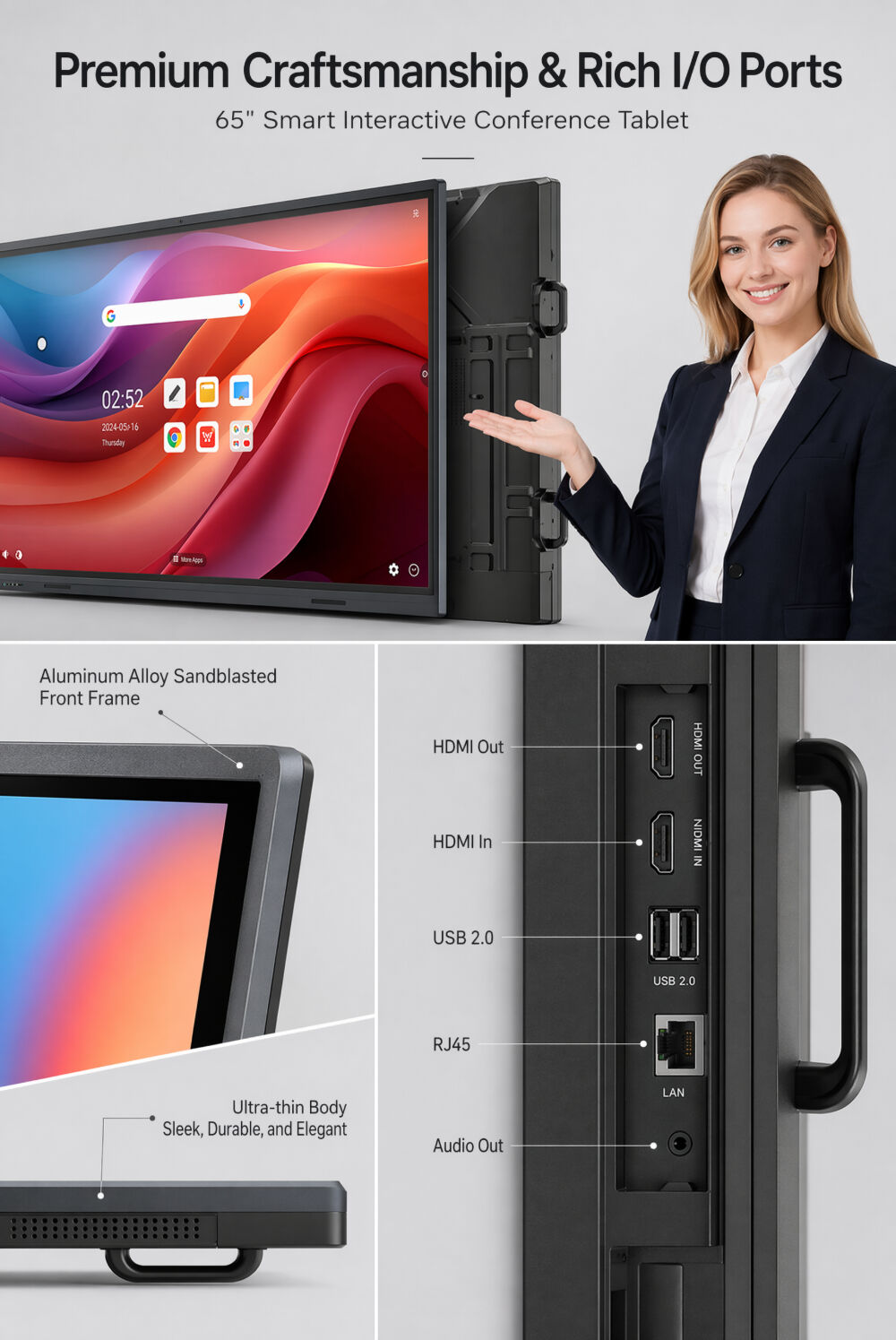
Key Specifications/ Special Features
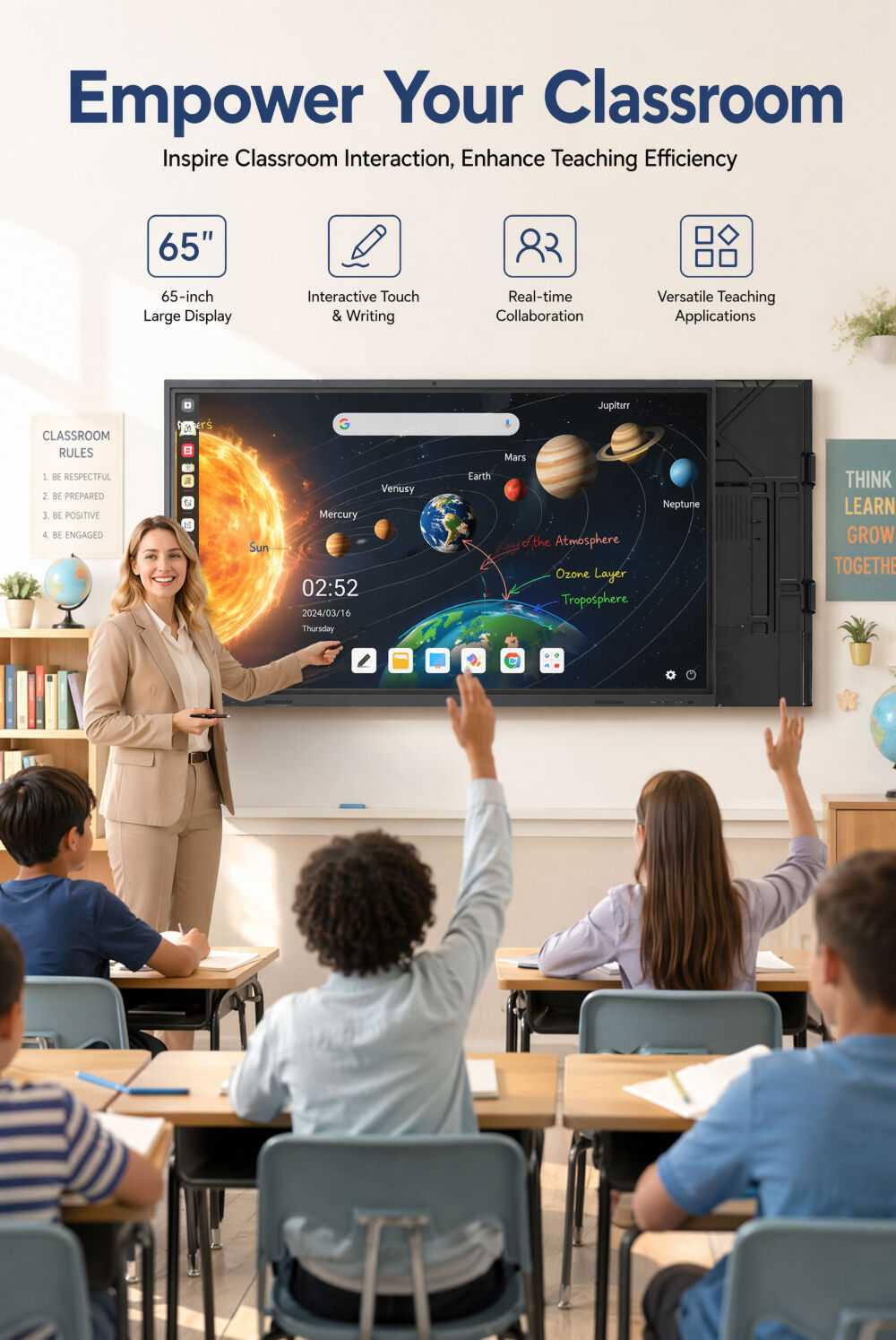
1. Interactive Digital Whiteboard:
Supports editing and sharing across multiple users and devices.
2. Real-time interactive board:
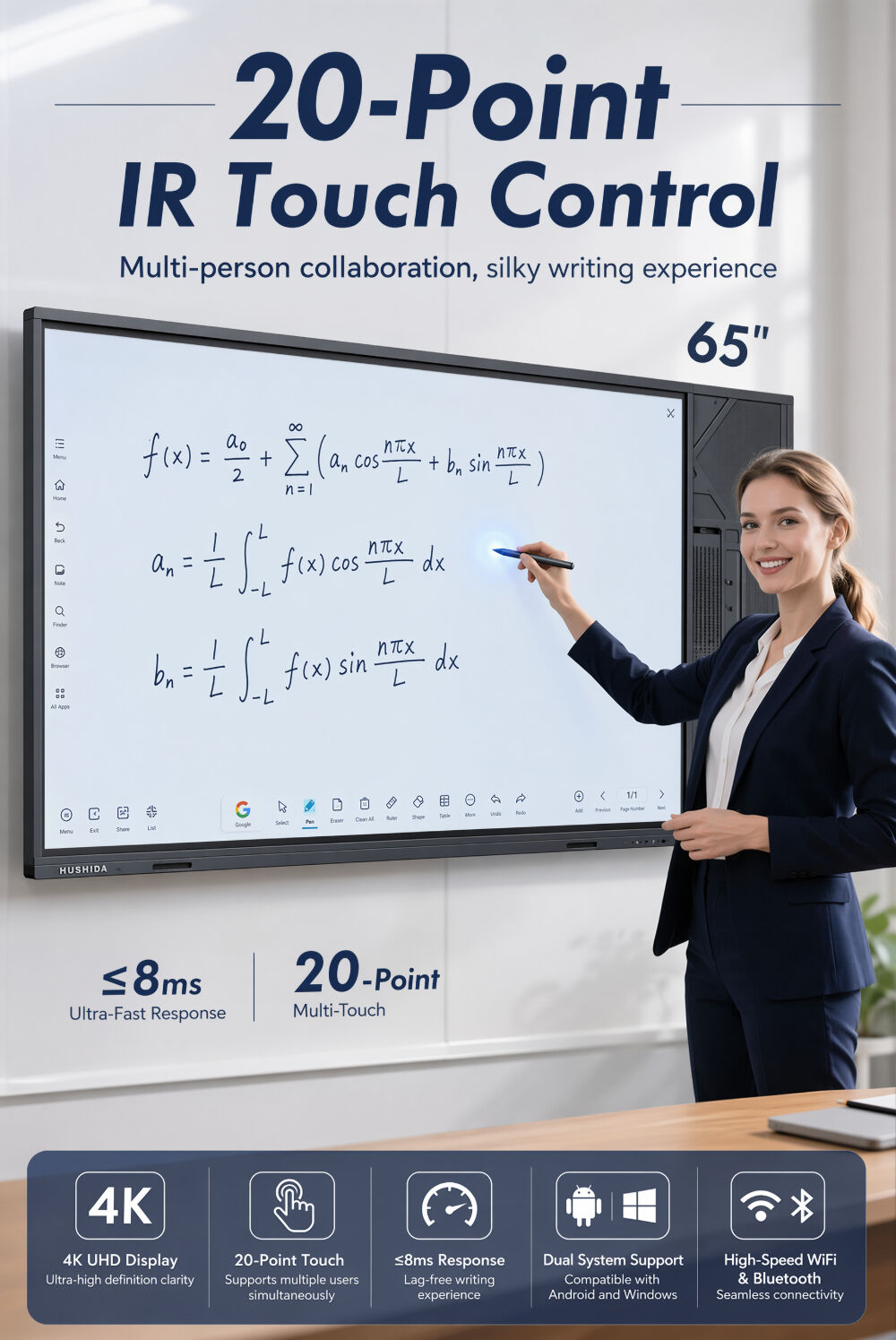
Conduct brainstorming, gather ideas, and collaborate remotely on the same canvas—enabling global collaboration anywhere. With a 3-millisecond response time, the stylus-to-touch experience feels natural and intuitive, just like using a marker on a traditional whiteboard.
3. Save your data to the cloud:
Save content in real time. Instead of spending time reviewing and organizing old notes, return directly to the canvas to keep inspiration flowing. Your creations can be exported to your preferred cloud drives such as Google Drive, OneDrive, Dropbox, and Box.
4. Display and annotate:
The smart screen supports up to four users sharing the display simultaneously via AirPlay and E-Share, or through an HDMI connection. With screen projection, you can add annotations, share videos during meetings, or capture screenshots as needed.
1. Interactive Digital Whiteboard:
Supports editing and sharing across multiple users and devices.
2. Real-time interactive board:
Conduct brainstorming, gather ideas, and collaborate remotely on the same canvas—enabling global collaboration anywhere. With a 3-millisecond response time, the stylus-to-touch experience feels natural and intuitive, just like using a marker on a traditional whiteboard.
3. Save your data to the cloud:
Save content in real time. Instead of spending time reviewing and organizing old notes, return directly to the canvas to keep inspiration flowing. Your creations can be exported to your preferred cloud drives such as Google Drive, OneDrive, Dropbox, and Box.
4. Display and annotate:
The smart screen supports up to four users sharing the display simultaneously via AirPlay and E-Share, or through an HDMI connection. With screen projection, you can add annotations, share videos during meetings, or capture screenshots as needed.